
Your department.
Your way of working.
Set what OneReport takes, what it asks, and where the information goes. Give dispatch, records, investigators, and command a shared view of what’s coming in.
NIBRS validation.
Built Into the workflow.
Check the record, review the evidence, and approve or decline the report. OneReport brings NIBRS validation into the review, then automatically exports approved reports and evidence to your connected RMS and DEMS.
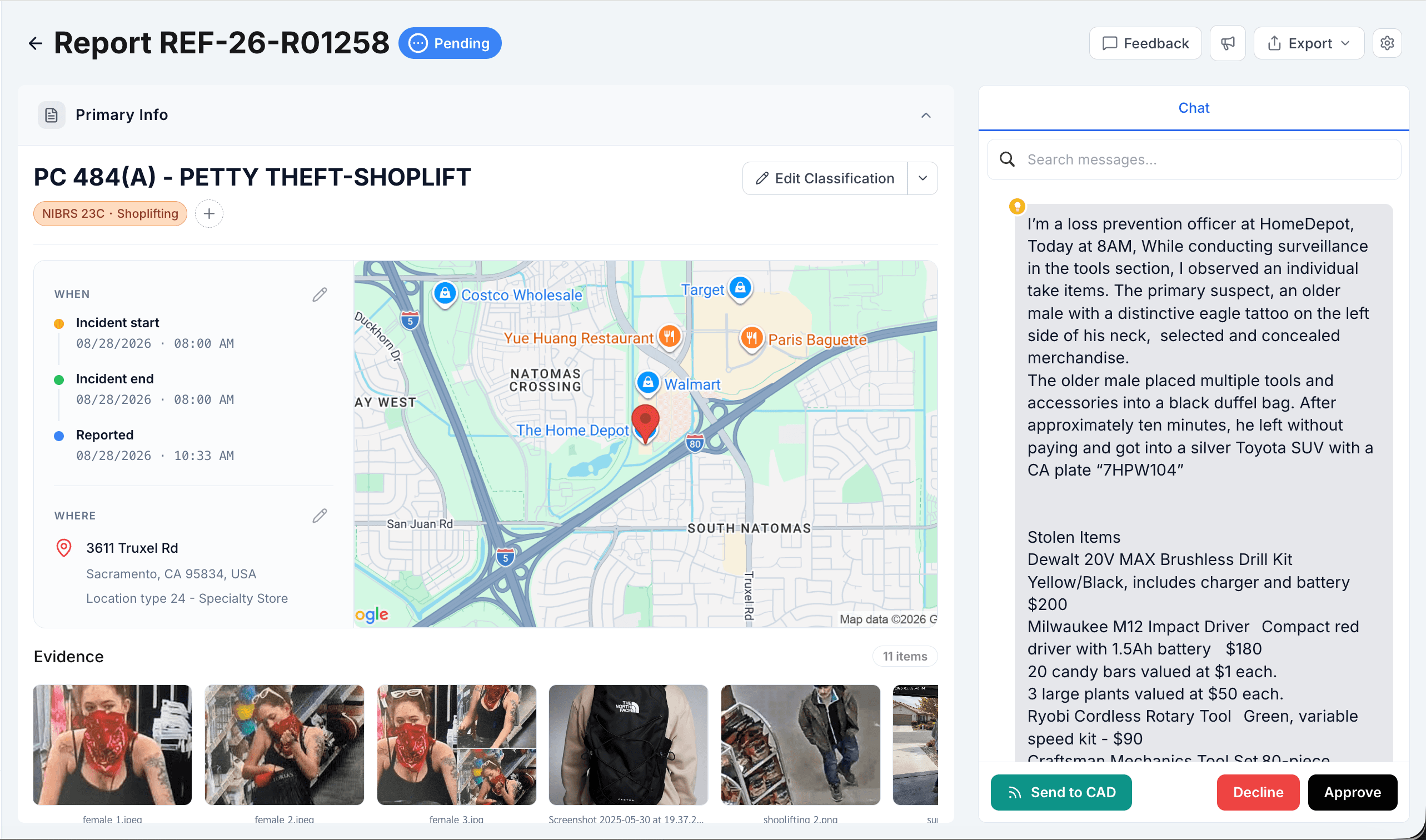
The account, classification, and supporting evidence. Together.
View full reportNIBRS validation
Check offense mappings, required fields, and incompatible values before the record moves forward.
Approve or decline
Review the account and evidence together. Approve or decline the report, with a history of each decision.
Automatic export
Approved records go to your configured RMS, with attachments sent to your DEMS and delivery status available to review.
Your policy.
In every report.
Set the codes, referrals, and interview rules OneReport follows.
Connect NIBRS categories to your department’s penal codes. Add code descriptions and selection hints to guide classification.
Set an incident time window and reporter role. Define the conditions for a 911 referral, choosing whether any or all must match.
Set question limits by interview stage, incident labels, and attestation. Review and test changes, with configuration history close at hand.
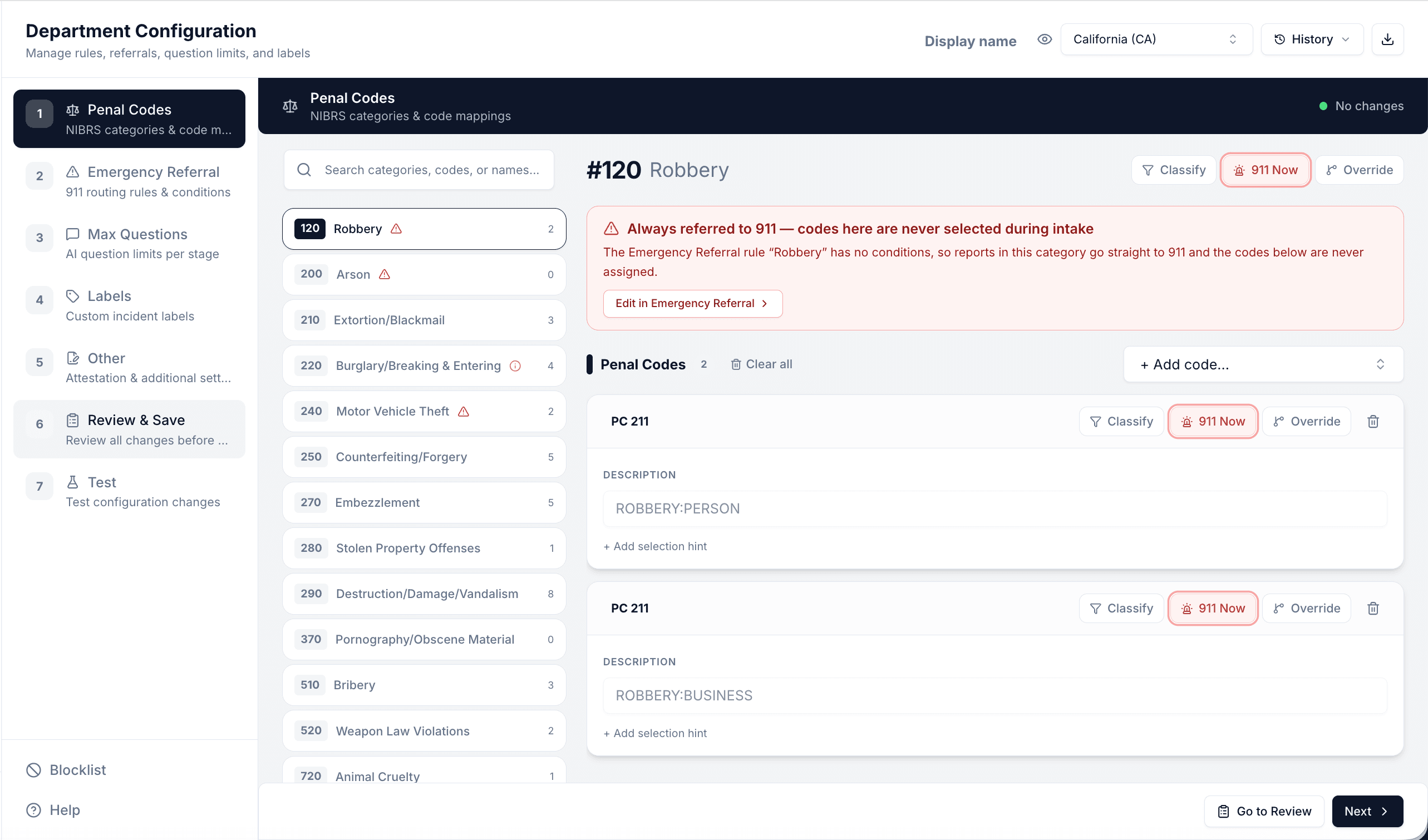
Robbery: PC 211 mappings with separate descriptions for person and business.
View full configuration- Question limits
- Set how many questions OneReport can ask at each interview stage.
- Labels & attestation
- Define custom incident labels and the attestation reporters see.
- Review, test & history
- Review changes, test the configuration, and revisit its history.
The right report.
The right notification.
Tell OneReport which incidents need your attention. Match the description, geography, classification, or severity, then route the alert by email or SMS.
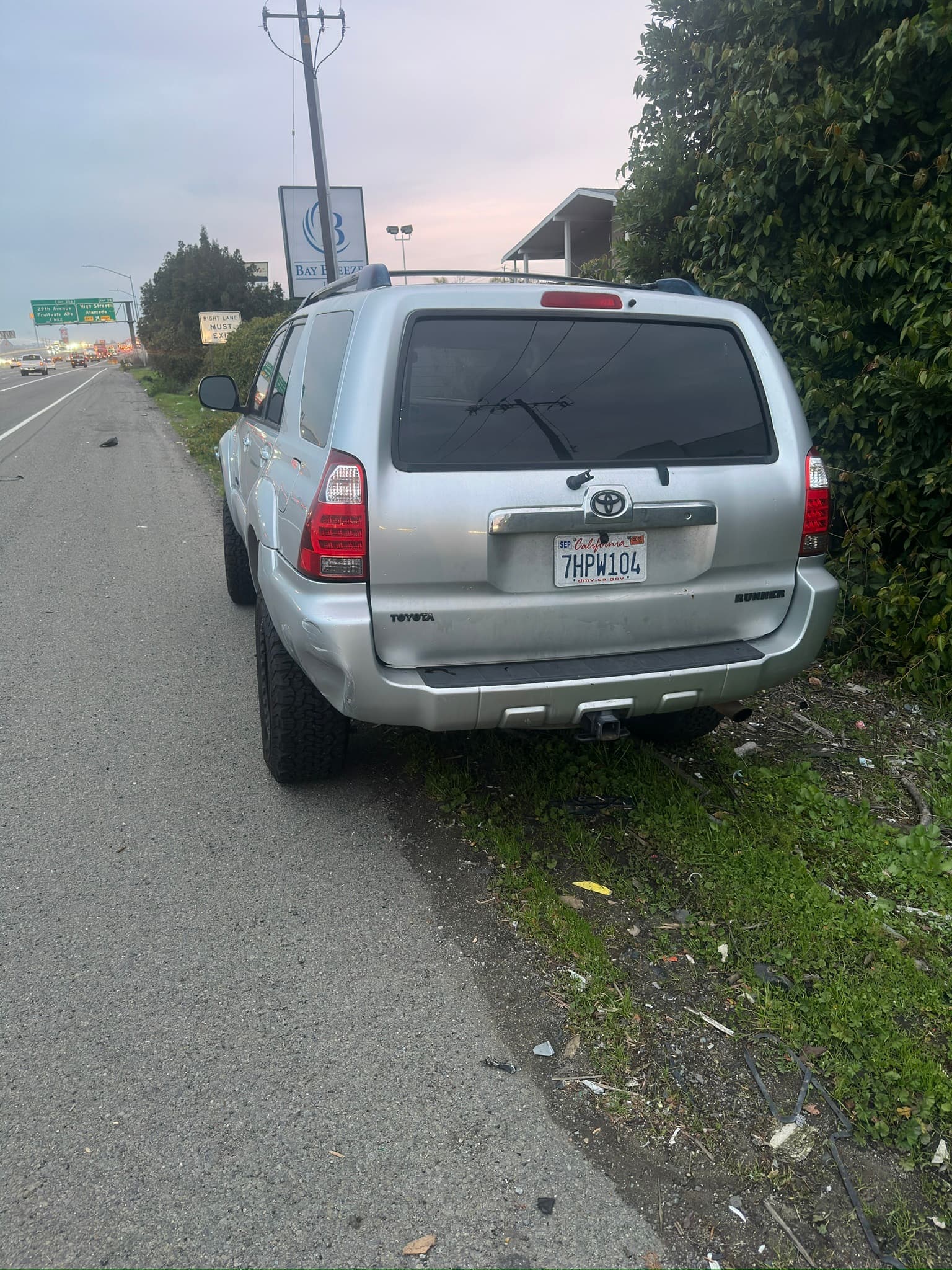
- Incident
- Retail theft
- Vehicle description
- Silver Toyota 4RunnerCA · 7HPW104
- Suspect Description
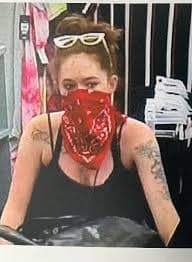
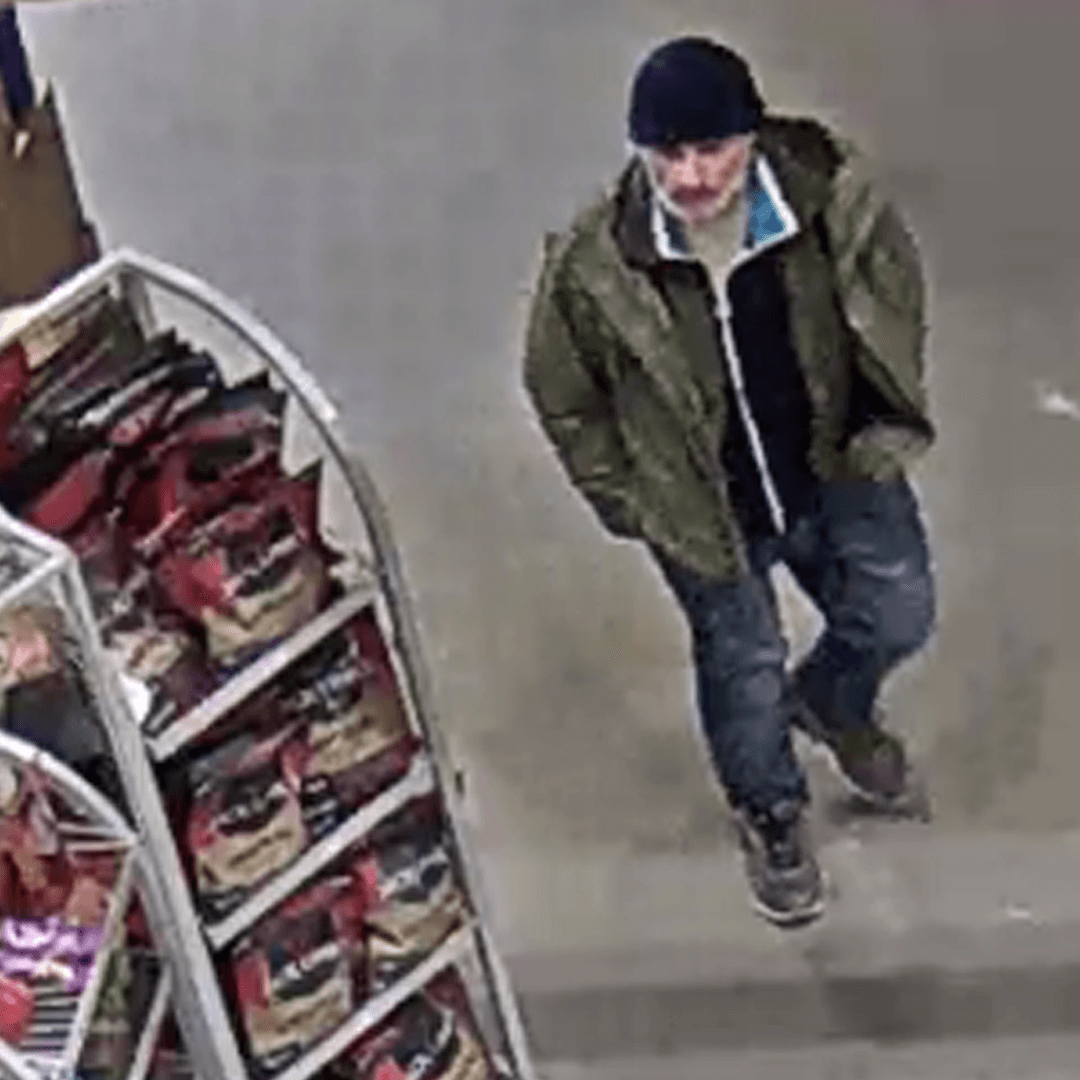
- Red bandana and white sunglasses; dark beanie and green jacket
- Delivery
- Email + SMS
Report 03 matches your watch. The alert brings the reported details, photographs, and linked reports together.