
Start with the information you have
Select a report, paste an account, or bring in a PDF. Bulletin Studio organizes the material into a structured draft.
Bulletin Studio turns reports, text, and PDFs into structured bulletins. Bring the account, identifying details, and evidence into one document.
Similar reported clothing connects all three store accounts. A silver Toyota 4Runner described in Report 01 appears in the vehicle evidence attached to Report 03.


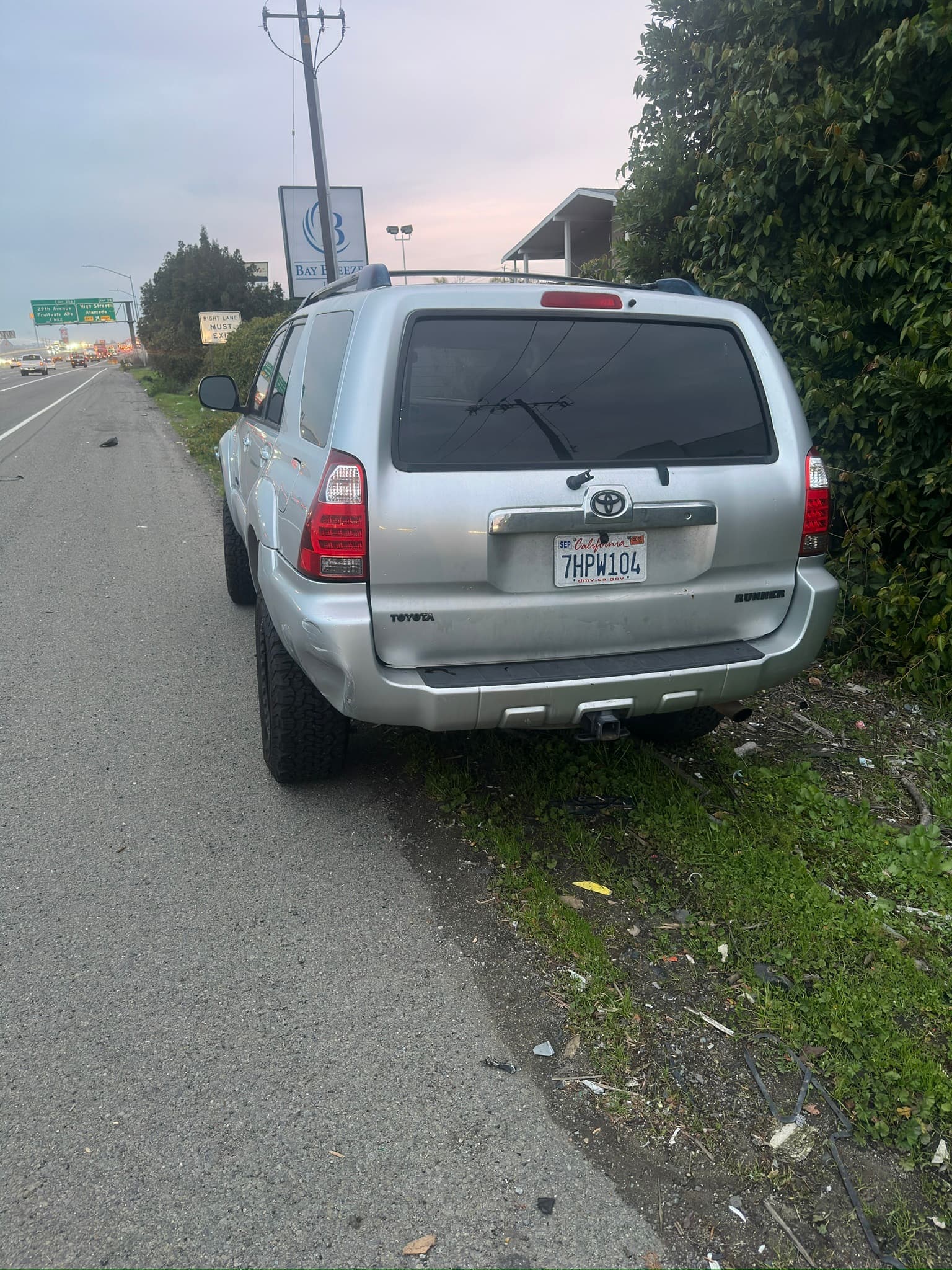
Compare the original accounts, clothing descriptions, and vehicle details across the related reports.
The bulletin has a workflow of its own, from source material to distribution and later updates.
Select a report, paste an account, or bring in a PDF. Bulletin Studio organizes the material into a structured draft.
Edit the summary and identifying details. Include photos or video stills that help communicate the incident.
Send to selected recipients. Keep revisions attached to the bulletin, and update or cancel it as the information changes.